Password Reset Guide
If you have lost access to your account, you can reset your password using the "Forgot Password" feature.
Note: Immortal Hosting uses a centralized authentication system. Resetting your password on the Client Portal updates your Game Panel access as well.
Method 1: Reset via Client Portal (Recommended)
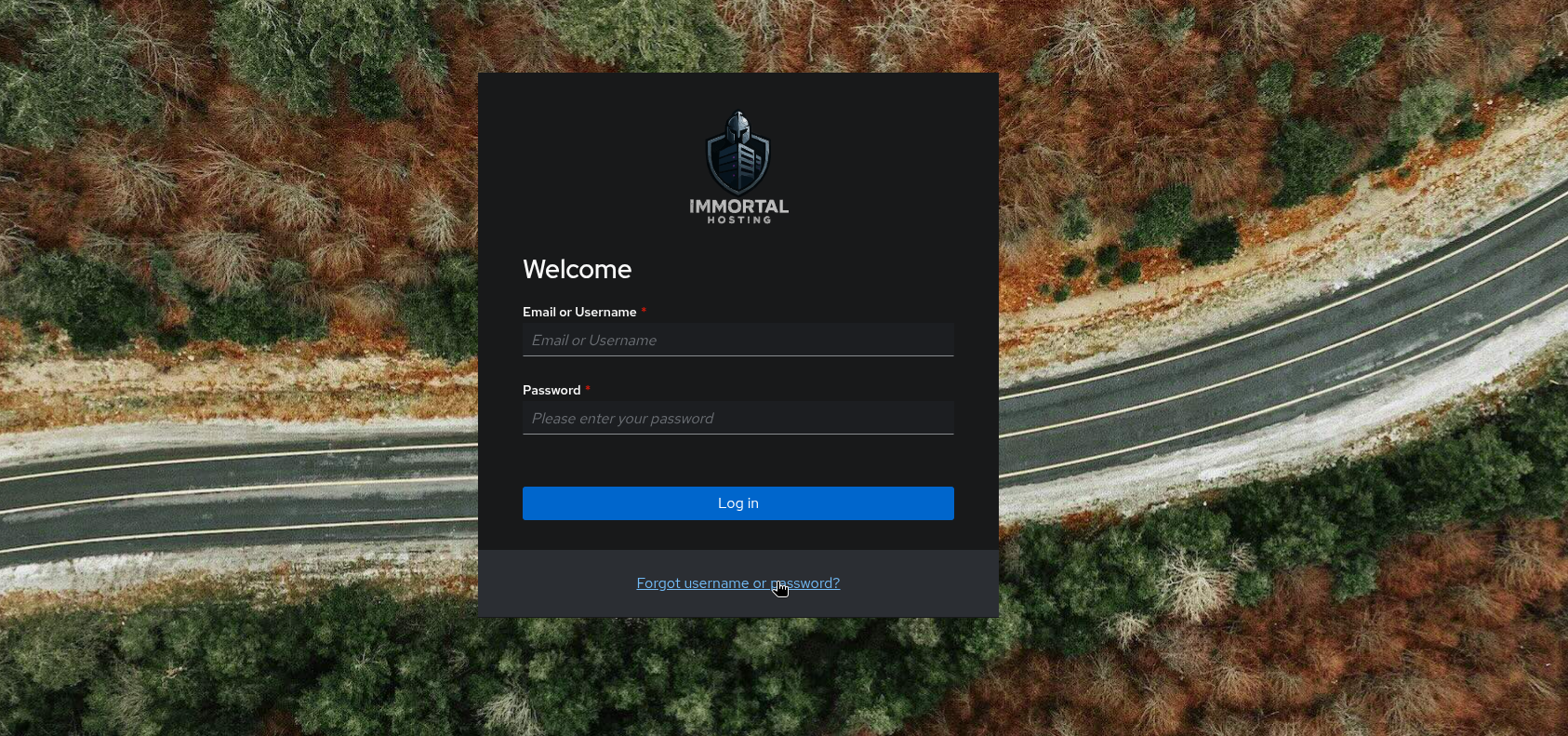
- Navigate to the Client Portal login page: https://auth.immortal.host
- Click the "Forgot Password?" link located below the login field.
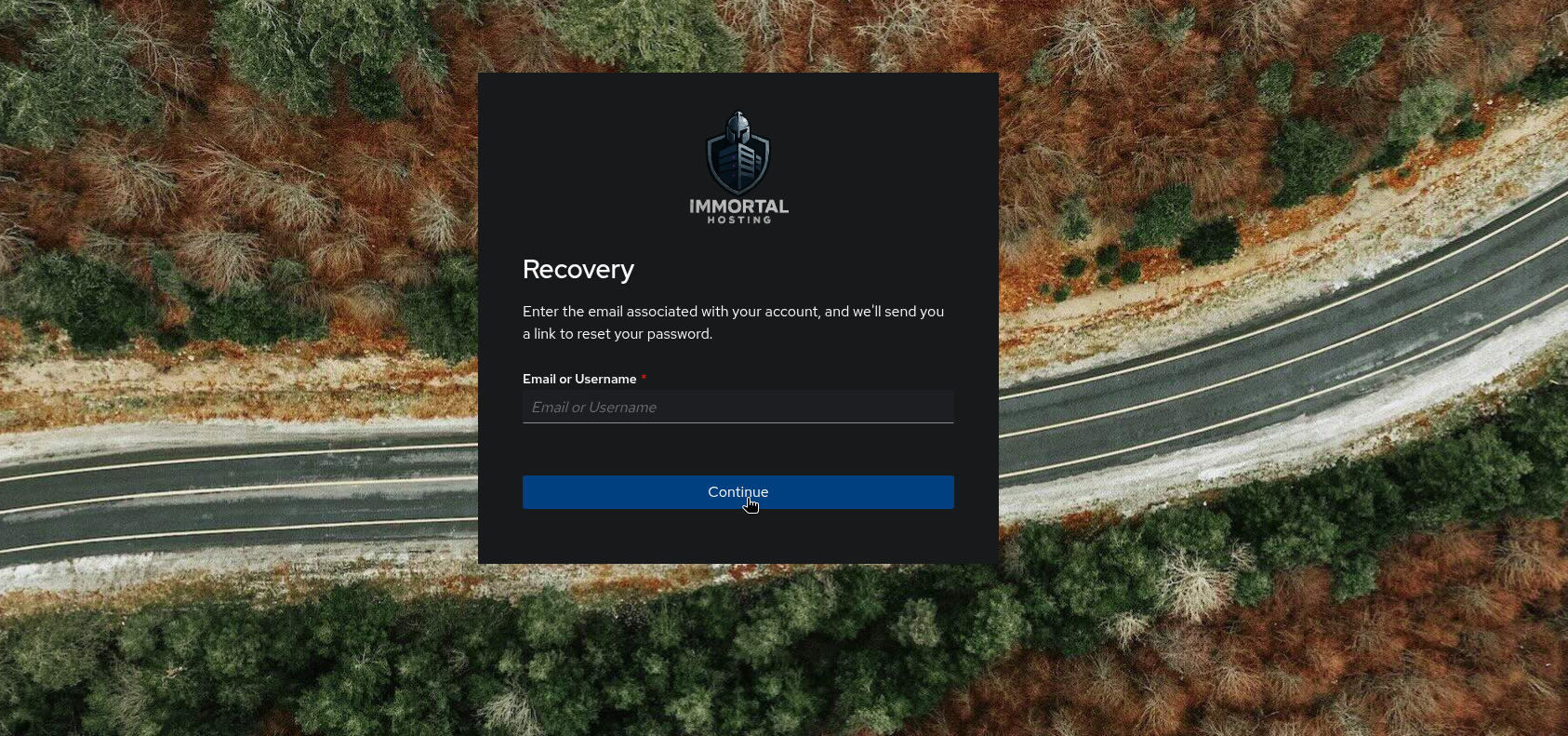
- Enter the Email Address associated with your account.
- Click Send Password Reset Link.
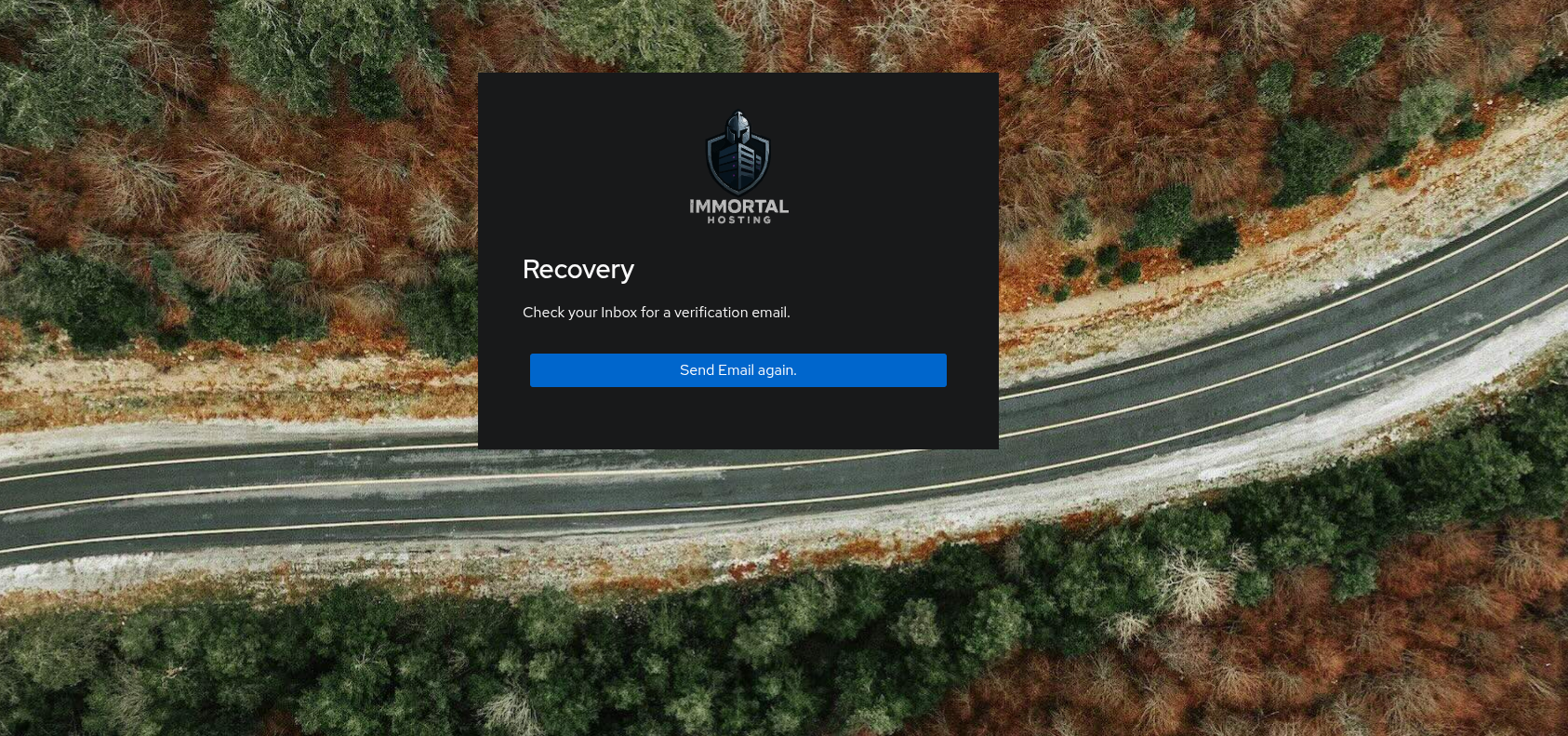
- Check your email inbox (and Spam/Junk folder) for a reset link.
- Click the link and enter your new password.
Troubleshooting
Email Not Received?
- Check Spam/Junk: Automated emails often end up here.
- Wait 5-10 Minutes: Sometimes email delivery can be slightly delayed.
- Correct Email: Ensure you entered the exact email address you used to sign up.
Still Can't Access?
If you still cannot recover your account, please open a ticket in our Discord server for manual assistance.